Subscribe Animations
Generate Subscribe Animations in Seconds with AI
Describe your look (colors, bell icon, motion) and get a subscribe reminder with transparency—ready for outros, end screens, and live overlays.



Examples
Subscribe Animation Styles You Can Generate
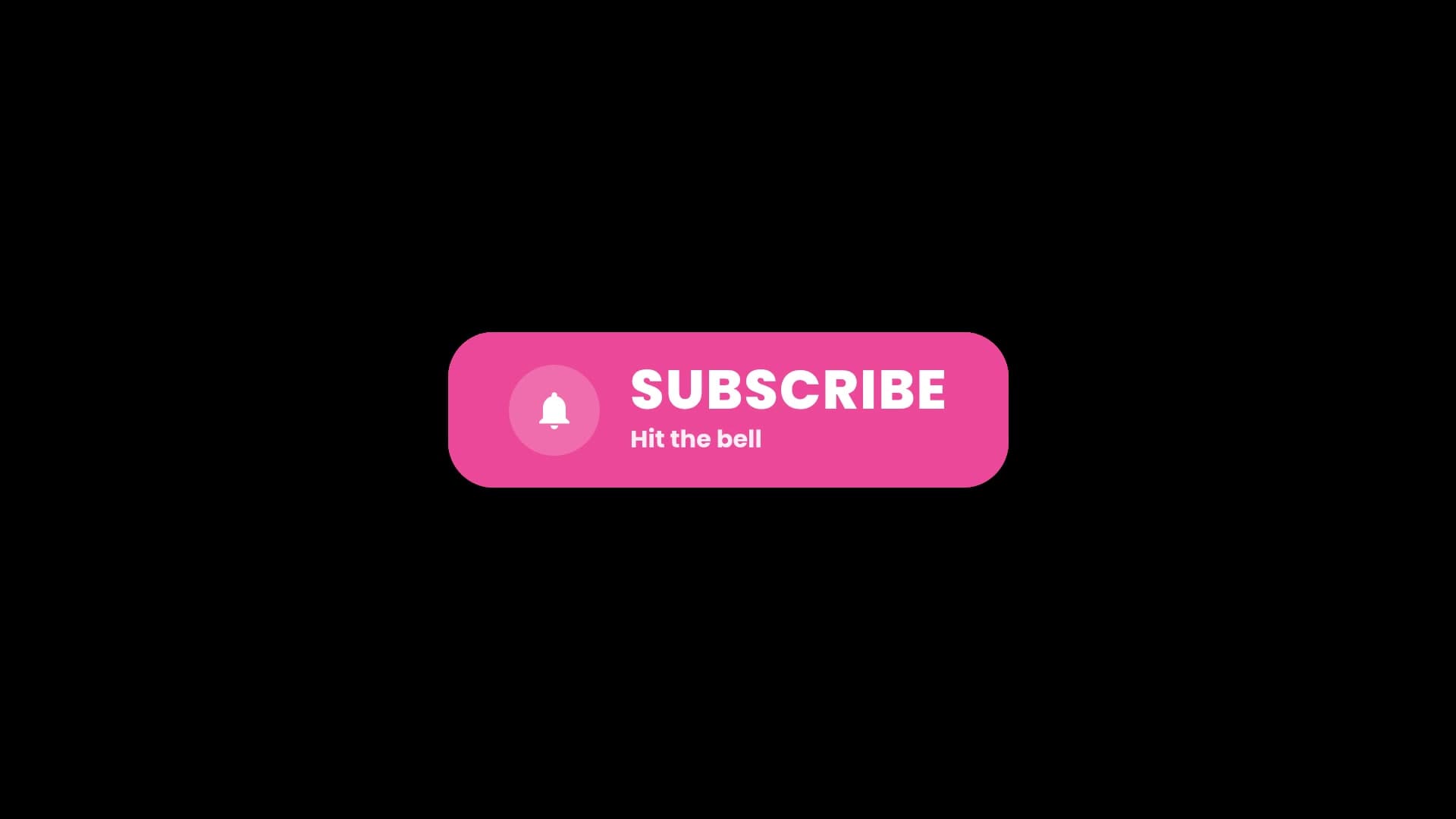
Classic subscribe CTA
Bright pink pill with a white bell icon, bold SUBSCRIBE type, and a “Hit the bell” subline—clean YouTube end-screen style on black.
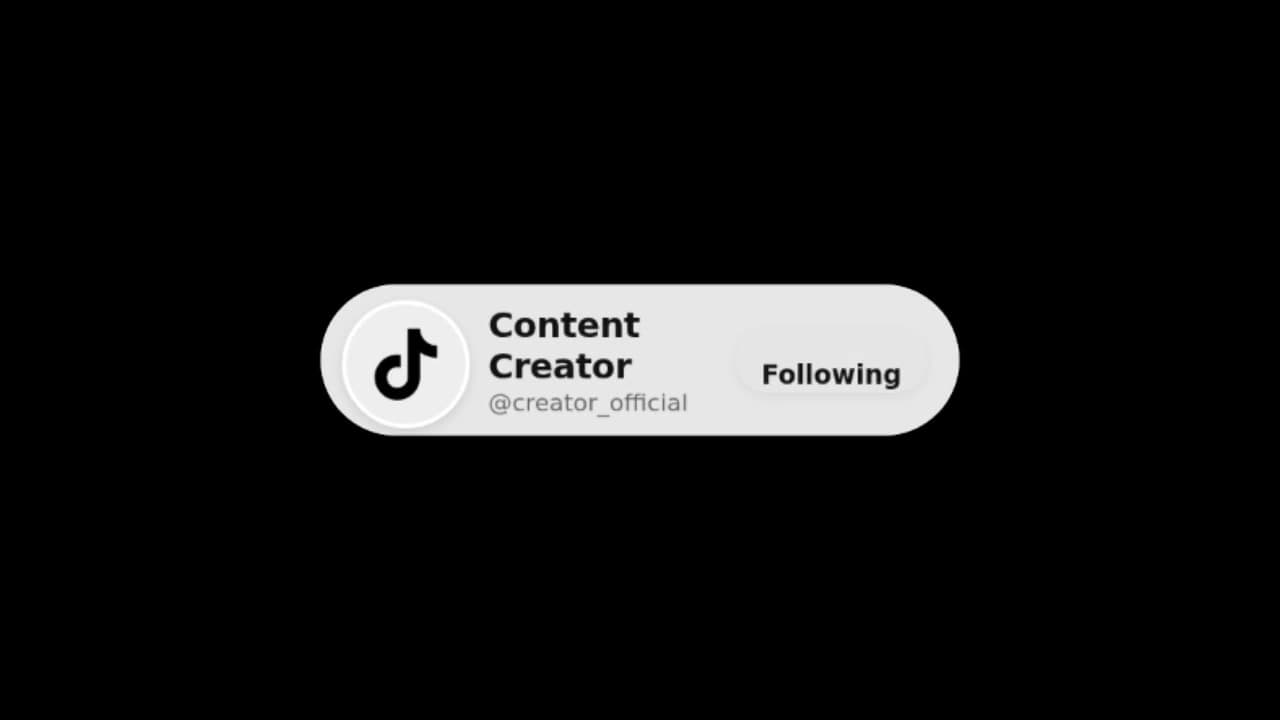
TikTok follow CTA
Light gray profile bar with TikTok logo, creator name, @handle, and a Following button—mimics the native follow UI for Shorts and Reels.
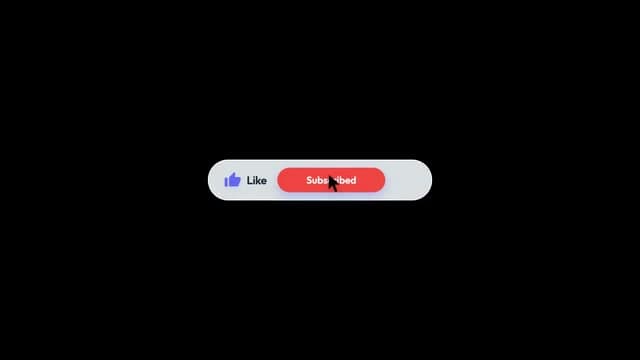
Like and subscribed CTA
Gray pill pairing a blue Like label with a red Subscribed button and a cursor click—classic YouTube interaction layout.
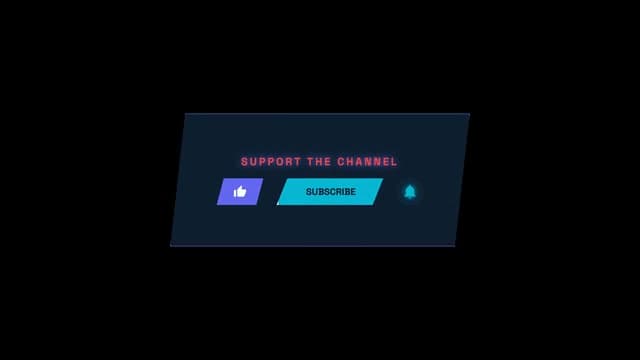
Support the channel CTA
Slanted navy panel with neon “SUPPORT THE CHANNEL” header plus purple Like, cyan Subscribe, and glowing bell icons—gaming and streamer energy.
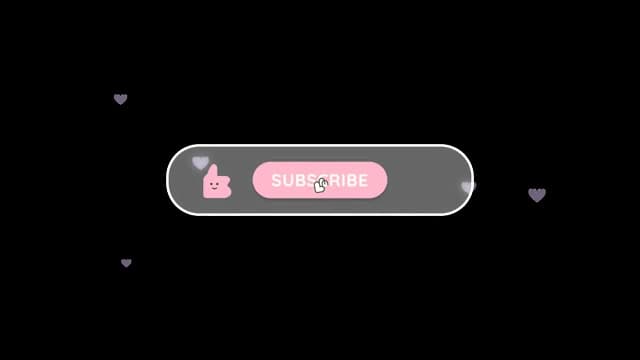
Kawaii subscribe CTA
Cute pink thumbs-up with a smiley face, SUBSCRIBE button, and floating lavender hearts inside a frosted gray pill—playful lifestyle and gaming vibes.
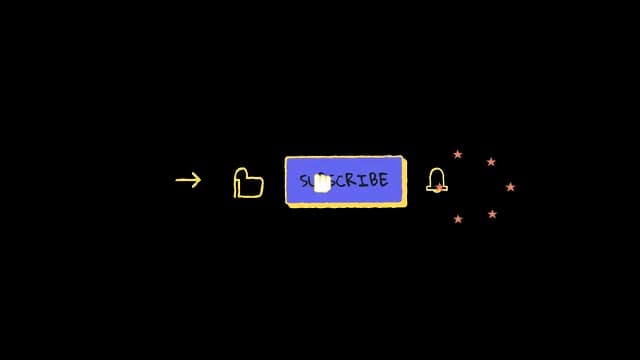
Hand-drawn subscribe CTA
Sketchy purple SUBSCRIBE block with a doodle cursor, yellow arrow and like icon, ringing bell, and orange stars—raw, handmade creator aesthetic.
Dark heart subscribe CTA
Near-black pill with a thin glowing border, outline heart icon, divider, and pale SUBSCRIBE text—subtle dark-mode look for cinematic edits.
Subscribed 3D CTA
Raised red heart beside a charcoal SUBSCRIBED button with a soft 3D shadow—shows the post-click state for like-and-subscribe outros.
Join the journey CTA
Black bar with gold “JOIN THE JOURNEY” serif copy, outline like and bell icons, and a solid gold Subscribe button—premium, cinematic channel branding.
Synthwave gaming subscribe CTA
Neon blue-outlined SUBSCRIBE button on deep purple with a pixel controller icon and mouse cursor—retro gaming and synthwave streams.
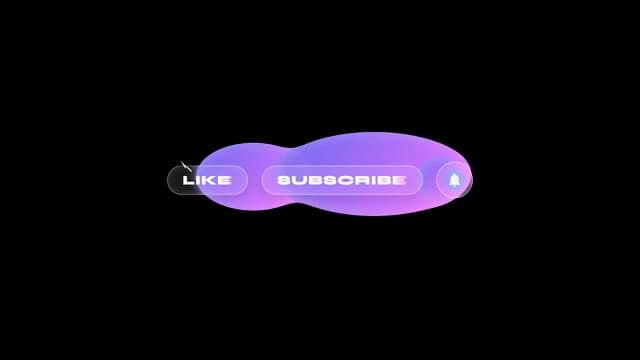
Glassmorphism subscribe CTA
Frosted-glass Like, Subscribe, and bell pills over a fluid purple-to-violet gradient blob—modern UI glass look on black.
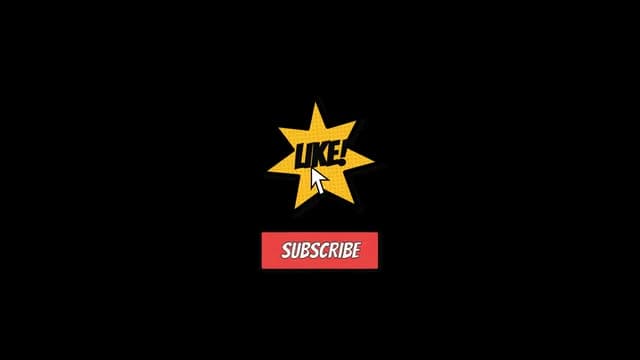
Comic burst subscribe CTA
Yellow starburst with halftone dots and bold “LIKE!” copy above a red SUBSCRIBE bar—pop-art comic style with a cursor on the burst.
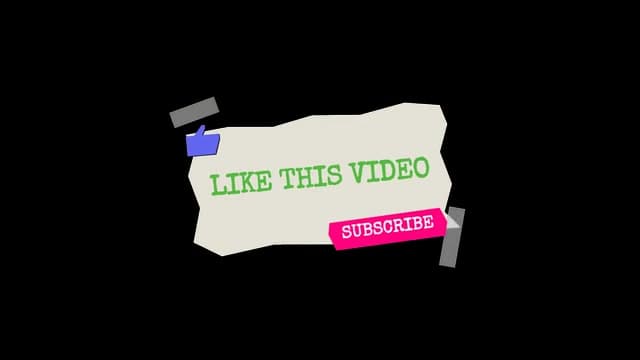
Scrapbook paper subscribe CTA
Torn beige paper with green typewriter “LIKE THIS VIDEO,” pink SUBSCRIBE tag, blue thumbs-up, and tape corners—DIY collage scrapbook feel.
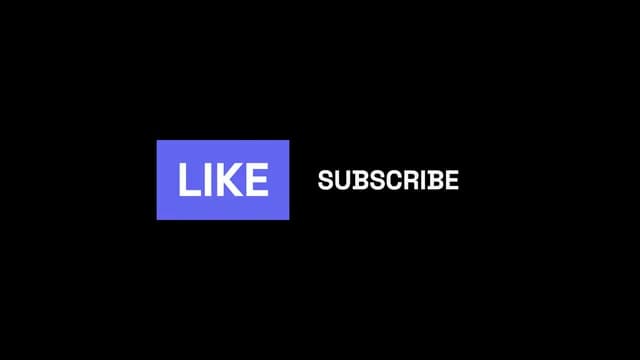
Minimal type subscribe CTA
Simple purple LIKE rectangle beside bare white SUBSCRIBE text on black—ultra-minimal typography with no extra chrome.
How It Works?
From Idea to Timeline in 3 Steps
Generate
Simply type what you need. Tell us your style, colors, timing, and any other preferences.
Customize
Make quick, easy adjustments until the overlay looks exactly the way you imagined it.
Export
Download with a transparent background and drop your overlays straight into your editor.
Brand kits
Keep Every Subscribe CTA On Brand
Set your colors, fonts, and style once in a brand kit. Then generate matching subscribe buttons, bell reminders, and end-card CTAs for every upload.
Start your brand kitColor Palette
Typography
Color Palette
Typography
Color Palette
Typography
Color Palette
Typography
Color Palette
Typography
Popular with
Creators Who Use Subscribe Animations
Ready to Create Your Subscribe Animation?
No motion design skills needed. Describe what you want and export a transparent overlay for Premiere, CapCut, or OBS.
Generate subscribe animationNo credit card required.
FAQ
Got Questions?
- What format do I get?
- You export WebM or MOV video with native alpha channel (transparency). Resolution is up to Full HD 1080p. The file is ready to import into any major video editor or streaming software.
- Which software does it work with?
- Videohead exports videos with alpha channel, which works with Adobe Premiere Pro, DaVinci Resolve, CapCut, OBS Studio, and Final Cut Pro. You drag and drop the file into your timeline or add it as a source in OBS.
- How do I import overlays into my editor?
- Export WebM or MOV with alpha from Videohead, then follow our step-by-step guides for OBS Studio, DaVinci Resolve, or CapCut Desktop. Each guide walks you through adding the file to your timeline or OBS scene—no green screen required.
- Do I need design or editing skills?
- No. You only need to describe in text what you want—style, colors, text, timing—and Videohead generates the overlay. You can preview it in the browser and export when you're happy with it.
- Do I have to regenerate everything to tweak text or details?
- No. You don't need to regenerate for every small change. After generation, Videohead gives you controls to tune timing, copy, colors, and other settings the overlay exposes; the preview updates as you adjust them. Regenerate when you want a substantially different concept, not for every millisecond tweak.
- Is Videohead free?
- You can start for free: new accounts include a small bundle of generation credits to try the product. When you need more, you can buy credit packs without a subscription.
- Can I add a bell icon or 'hit the bell' copy?
- Yes. Mention the bell, notification reminder, or exact wording in your prompt. After generation, tweak text fields in the overlay controls without redoing the whole animation.
- Do subscribe animations work on YouTube Shorts and Reels?
- Yes. Ask for a vertical or compact layout in your prompt and Videohead can generate a 9:16-friendly CTA. Export with alpha and place it in CapCut, Premiere, or your mobile editor.
- Can I match subscribe CTAs to my channel branding?
- Yes. Brand kits lock colors, fonts, and style guidelines so every new subscribe animation stays consistent with your channel look.