Generate Any Type of Video Overlay with AI
Videohead is an AI video overlay generator for creators and editors. Describe lower thirds, subscribe CTAs, @handle bars, kinetic titles, promo stickers, or animated data graphics, then export WebM or MOV with a true alpha channel. Drag and drop into your favorite editor without green-screen keying.
Generate an overlay




Overlay types
Pick a Category, Then Generate
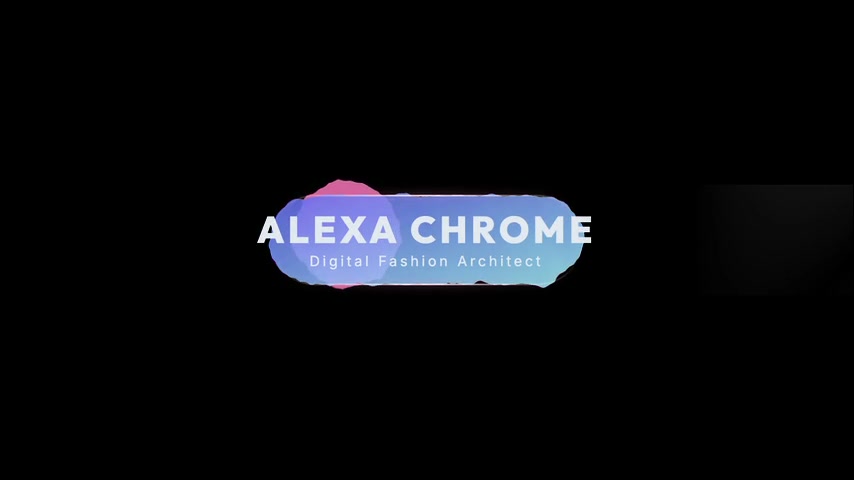
Lower Thirds
Generate custom lower thirds with AI. Name tags, titles, and episode labels. Export for Premiere, CapCut, DaVinci Resolve, and OBS.
Explore lower thirds →
Subscribe Animations
Generate custom subscribe and like CTAs with AI. Animated reminders for YouTube, Shorts, and streams. Export for Premiere, CapCut, DaVinci Resolve, and OBS.
Explore subscribe animations →
Social Handles
Generate custom @handle overlays with AI. Instagram, YouTube, Twitch, and platform username bars for videos and streams. Export for Premiere, CapCut, DaVinci Resolve, and OBS.
Explore social handles →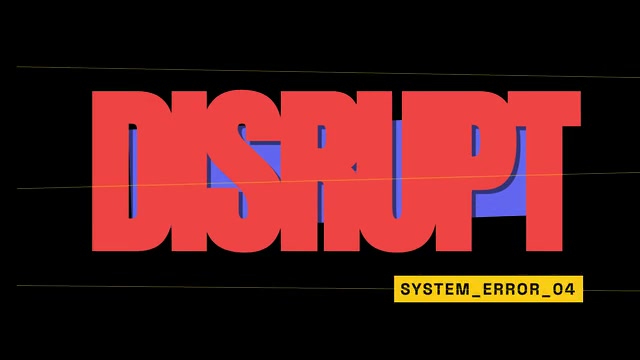
Kinetic Typography
Generate custom kinetic typography with AI. Animated titles, quotes, and intro text for YouTube, ads, and social. Export for Premiere, CapCut, DaVinci Resolve, and OBS.
Explore kinetic typography →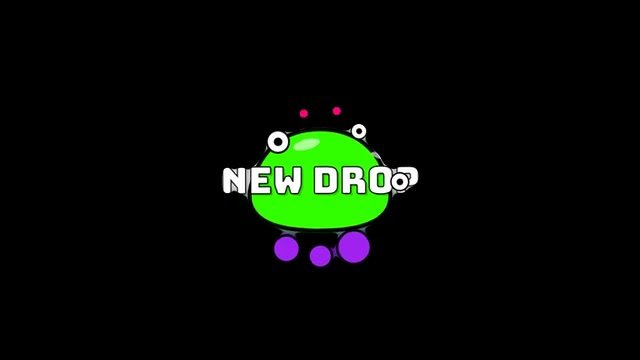
Animated Stickers
Generate custom animated stickers, badges, and banners with AI. Promo labels, LIVE tags, and reaction graphics for videos and streams. Export for Premiere, CapCut, DaVinci Resolve, and OBS.
Explore animated stickers →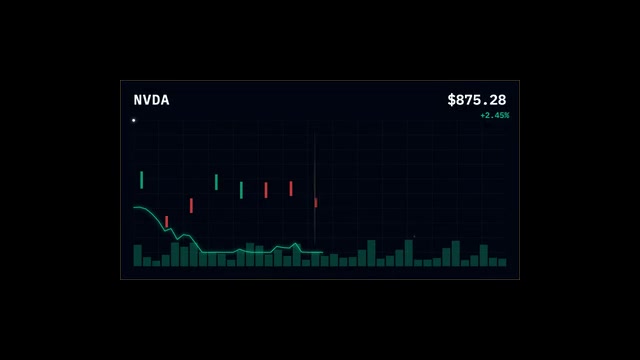
Data Stories
Generate animated charts, counters, and data viz overlays with AI. Turn stats into motion graphics for YouTube, docs, and social. Export for Premiere, CapCut, DaVinci Resolve, and OBS.
Explore data stories →How It Works?
From Idea to Timeline in 3 Steps
Generate
Simply type what you need. Tell us your style, colors, timing, and any other preferences.
Customize
Make quick, easy adjustments until the overlay looks exactly the way you imagined it.
Export
Download with a transparent background and drop your overlays straight into your editor.
FAQ
Got Questions?
- What types of video overlays can I generate?
- Videohead covers lower thirds, subscribe animations, social handle bars, kinetic typography, animated stickers and badges, and data-story charts. Each type has its own page with examples—pick the closest match, describe your style, and export with transparency.
- How do I import overlays into my editor?
- Export WebM or MOV with alpha from Videohead, then follow our step-by-step guides for OBS Studio, DaVinci Resolve, or CapCut Desktop. Each guide walks you through adding the file to your timeline or OBS scene—no green screen required.
- Do I need motion design or After Effects skills?
- No. Describe colors, text, motion, and layout in plain language. Videohead generates the animation and exports a transparent video file you can drop into Premiere Pro, DaVinci Resolve, CapCut, OBS Studio, or Final Cut Pro.
More answers on the home FAQ and in our import guides.
Ready to Generate?
No design skills required. Pick an overlay type, describe what you want, and export with transparency for your timeline.
Start generating