Social Handles
Generate Social Handle Overlays in Seconds with AI
Describe your platform, @handle, and look. Get an animated username bar, ready for intros, outros, and live streams.





Examples
Social Handle Styles You Can Generate
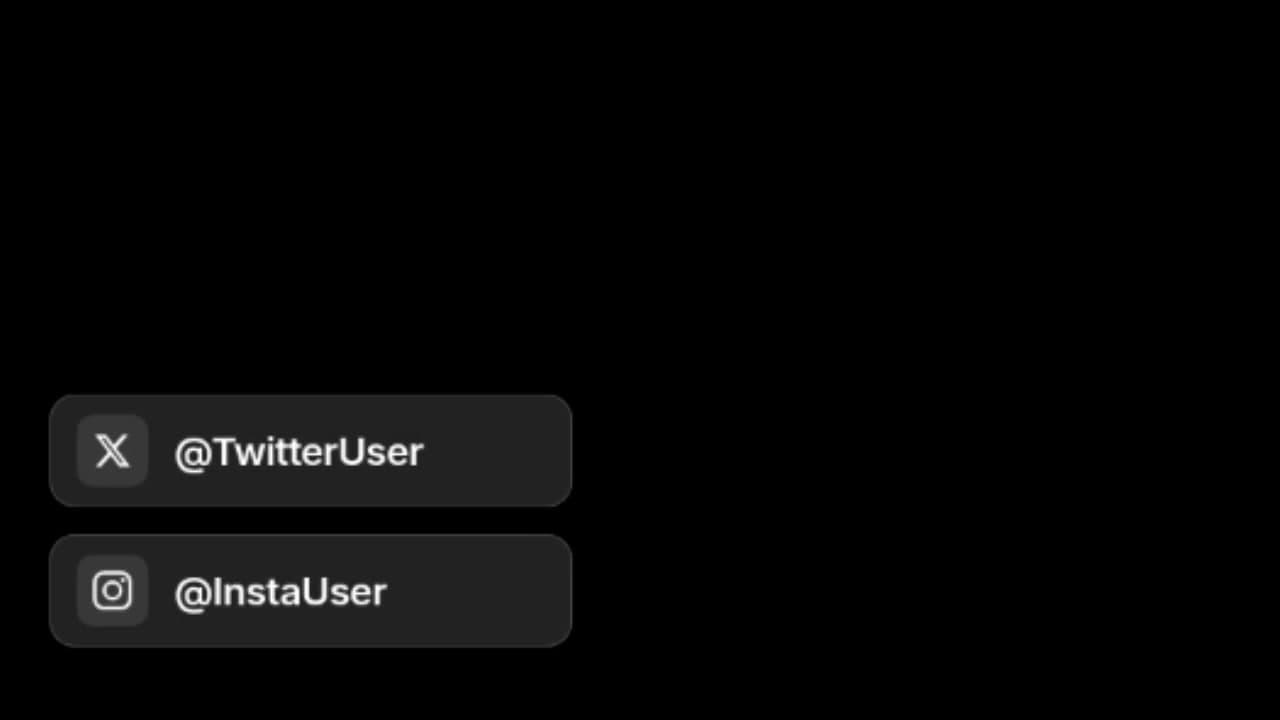
Social handle pop-up
Animated pop-up that surfaces your @handle without blocking the frame—ideal for intros, guest tags, and quick platform callouts.
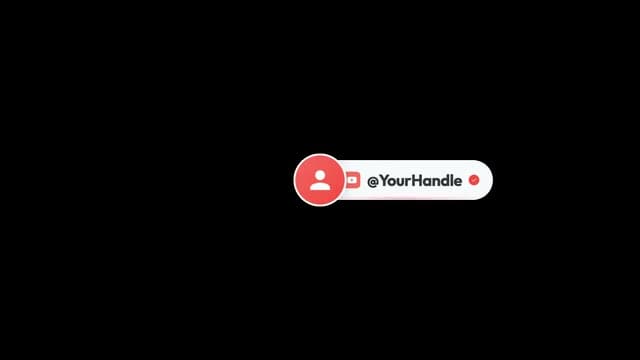
YouTube verified handle
White pill with red profile circle, YouTube play icon, @YourHandle text, and a red verified check—classic creator lower-third on black.
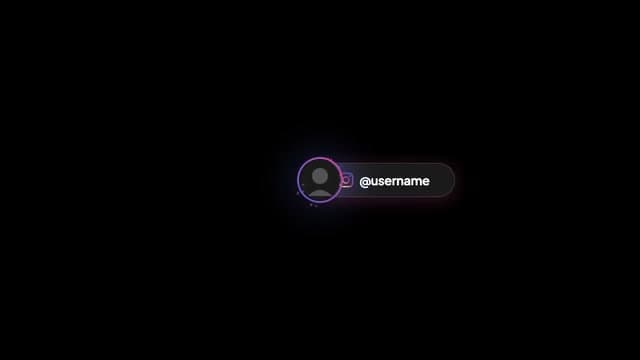
Instagram gradient handle
Dark pill with purple-to-orange Instagram ring, gradient camera icon, and bold @username type—native Stories/Reels profile bar feel.

Luxe gold handle
Dark bar with gold borders, serif @LuxeAesthetic copy, gold verified badge, and a profile ring—premium fashion and lifestyle branding.
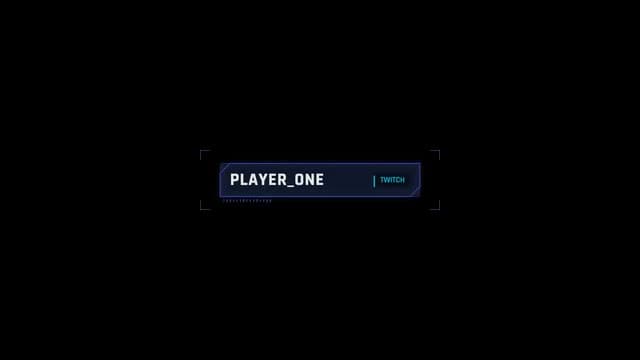
Twitch HUD handle
Chamfered blue HUD panel with PLAYER_ONE, cyan TWITCH label, corner brackets, and tick marks—gaming stream lower-third.
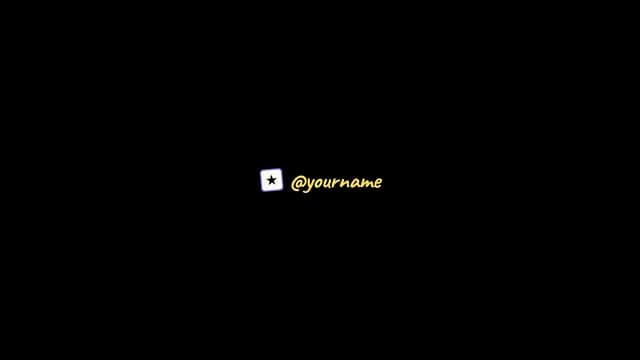
Handwritten star handle
Small white star tile beside yellow cursive @yourname on black—quirky, personal creator signature style.
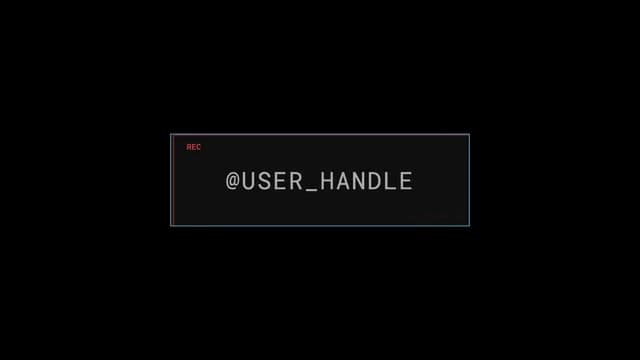
REC frame handle
Centered frame with red REC tag, large @USER_HANDLE caps, and a pink-to-cyan gradient border—camera viewfinder broadcast look.
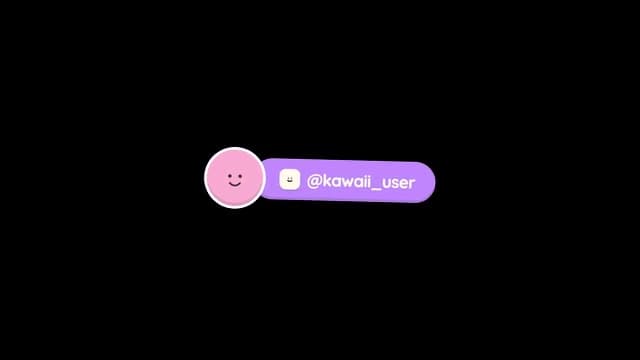
Kawaii handle bar
Pink smiley avatar on a lavender pill with a mini icon tile and @kawaii_user—cute pastel social bar for lifestyle content.

Editorial Instagram handle
Bold INSTAGRAM wordmark, purple divider, @DESIGN_FEST handle, and a SOCIAL / HANDLE / 01 tag—magazine-style typographic layout.
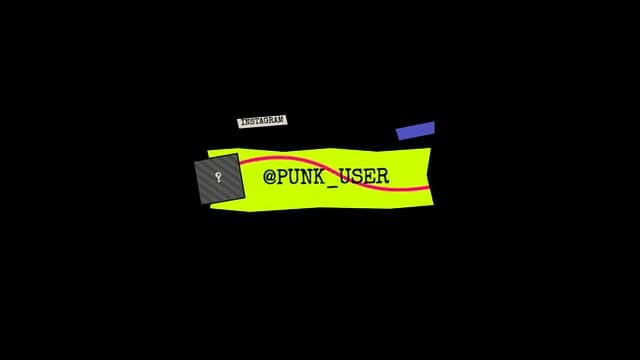
Punk zine handle
Neon green jagged banner with @PUNK_USER typewriter text, striped avatar square, taped INSTAGRAM label, and collage accents.
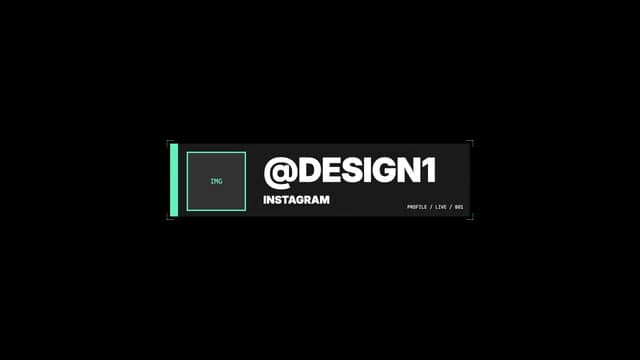
Broadcast HUD handle
Teal-accent gray panel with IMG placeholder, @DESIGN1 handle, INSTAGRAM sublabel, and PROFILE / LIVE / 001 metadata.

Dark reveal handle
Subtle handle entrance on black—minimal motion graphic when you want the @name to materialize without a heavy UI frame.
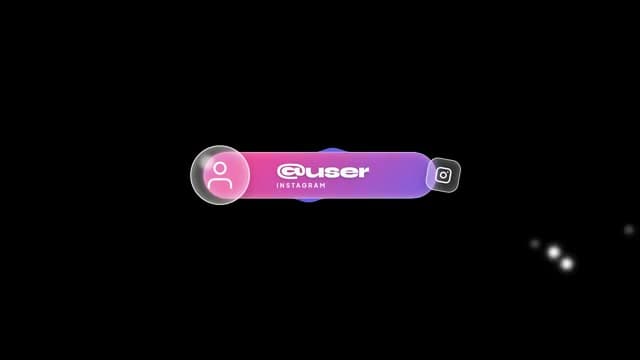
Glassmorphism Instagram handle
Frosted glass sphere avatar, pink-to-purple gradient pill with @user and INSTAGRAM, and a glass Instagram tile—premium modern UI.
How It Works?
From Idea to Timeline in 3 Steps
Generate
Simply type what you need. Tell us your style, colors, timing, and any other preferences.
Customize
Make quick, easy adjustments until the overlay looks exactly the way you imagined it.
Export
Download with a transparent background and drop your overlays straight into your editor.
Brand kits
Keep Every Social Handle On Brand
Set your colors, fonts, and style once in a brand kit. Then generate matching @handle overlays for YouTube, Instagram, Twitch, and every upload.
Start your brand kitColor Palette
Typography
Color Palette
Typography
Color Palette
Typography
Color Palette
Typography
Color Palette
Typography
Popular with
Creators Who Use Social Handles
Ready to Create Your Social Handle Overlay?
No motion design skills needed. Describe your handle and platform, then export a transparent overlay for Premiere, CapCut, or OBS.
Generate social handleNo credit card required.
FAQ
Got Questions?
- What format do I get?
- You export WebM or MOV video with native alpha channel (transparency). Resolution is up to Full HD 1080p. The file is ready to import into any major video editor or streaming software.
- Which software does it work with?
- Videohead exports videos with alpha channel, which works with Adobe Premiere Pro, DaVinci Resolve, CapCut, OBS Studio, and Final Cut Pro. You drag and drop the file into your timeline or add it as a source in OBS.
- How do I import overlays into my editor?
- Export WebM or MOV with alpha from Videohead, then follow our step-by-step guides for OBS Studio, DaVinci Resolve, or CapCut Desktop. Each guide walks you through adding the file to your timeline or OBS scene—no green screen required.
- Do I need design or editing skills?
- No. You only need to describe in text what you want—style, colors, text, timing—and Videohead generates the overlay. You can preview it in the browser and export when you're happy with it.
- Do I have to regenerate everything to tweak text or details?
- No. You don't need to regenerate for every small change. After generation, Videohead gives you controls to tune timing, copy, colors, and other settings the overlay exposes; the preview updates as you adjust them. Regenerate when you want a substantially different concept, not for every millisecond tweak.
- Is Videohead free?
- You can start for free: new accounts include a small bundle of generation credits to try the product. When you need more, you can buy credit packs without a subscription.
- Which platforms can I style the handle for?
- Mention Instagram, YouTube, TikTok, Twitch, X, or any platform in your prompt. You can include @handles, display names, verified badges, and platform icons in the description.
- Can I show multiple handles in one overlay?
- Yes. Describe two or more @handles or a row of platform icons in your prompt. After generation, edit text fields in the overlay controls to swap usernames without regenerating.
- Do social handle overlays work on vertical Shorts?
- Yes. Ask for a vertical or compact layout and Videohead can generate a 9:16-friendly handle bar. Export with alpha and place it in CapCut, Premiere, or your mobile editor.